Many people keep passwords in a phone note, a screenshot or a "message to self" on WhatsApp. It feels convenient — until the phone is lost, a backup is shared, or someone else uses the device.
Where NOT to Keep Passwords
- Plain notes apps and screenshots in your gallery
- WhatsApp or email messages to yourself
- A paper diary that travels with you
- The same password reused on many sites
What Makes a Strong Password
- At least 12 characters
- A mix of words, numbers and symbols — a long passphrase is easier to remember than random characters
- Different for every important account (email, bank, UPI, social media)
- Two-factor authentication (2FA) turned on for email and banking
You can create strong passwords instantly with the free Password Generator.
Options to Store Passwords
| Option | Good for | Watch out for |
|---|---|---|
| Browser password manager | Website logins | Tied to one account/browser |
| Cloud password manager | Sync across devices | Monthly subscription, trust in provider |
| Offline vault file | Privacy, no subscription | You must keep your own backup |
An Offline Option: AIVEXA Personal Vault
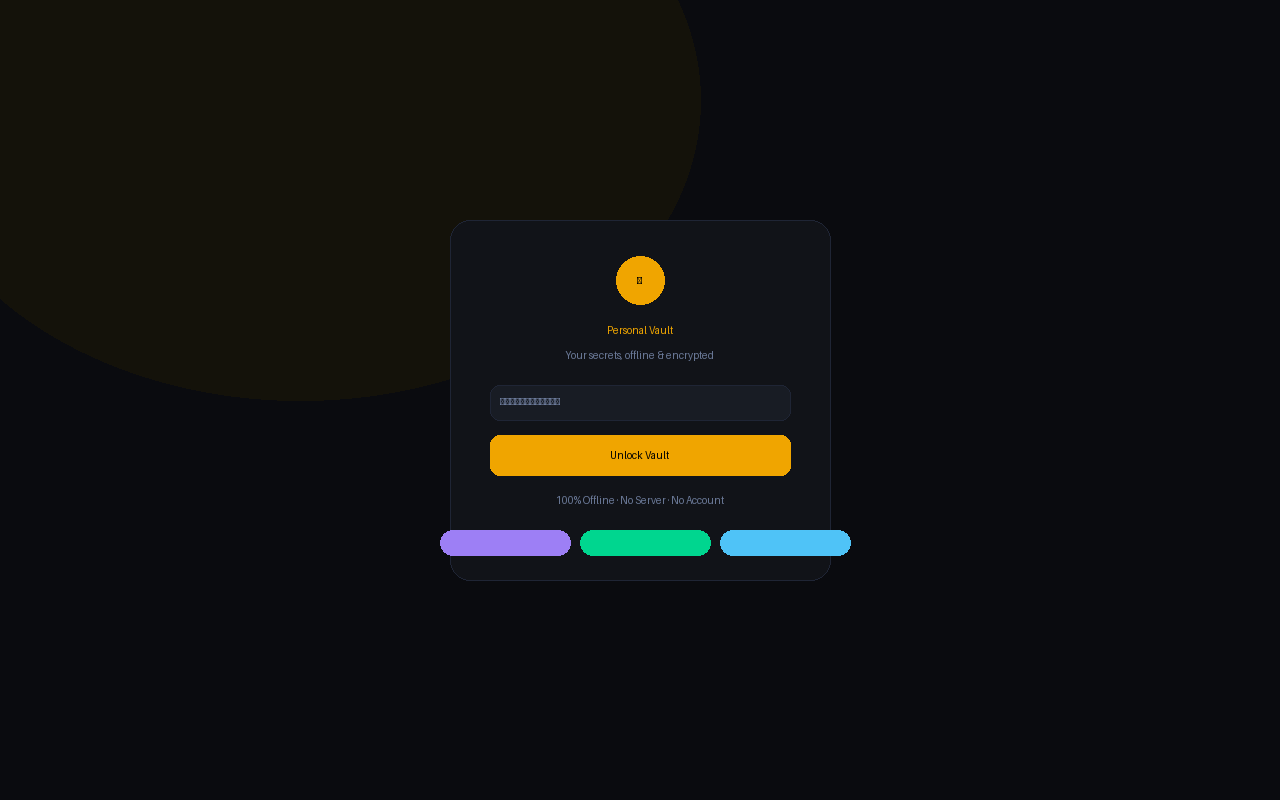
If you prefer not to store sensitive data on someone else's server, AIVEXA Personal Vault is a single file that opens in any browser and works 100% offline:
- Password-protected with your own master password
- 9 sections in one file — domains, passwords, subscriptions, banking, emails and more
- One-click copy, zero dependencies, no account or internet needed
- Backup to Google Drive and restore any time
Whatever you choose, the most important habits are: unique passwords, 2FA on email and bank, and a backup you have actually tested.